DHA Multan Payment Not Showing? Check Your Ledger, Dues and Next Steps
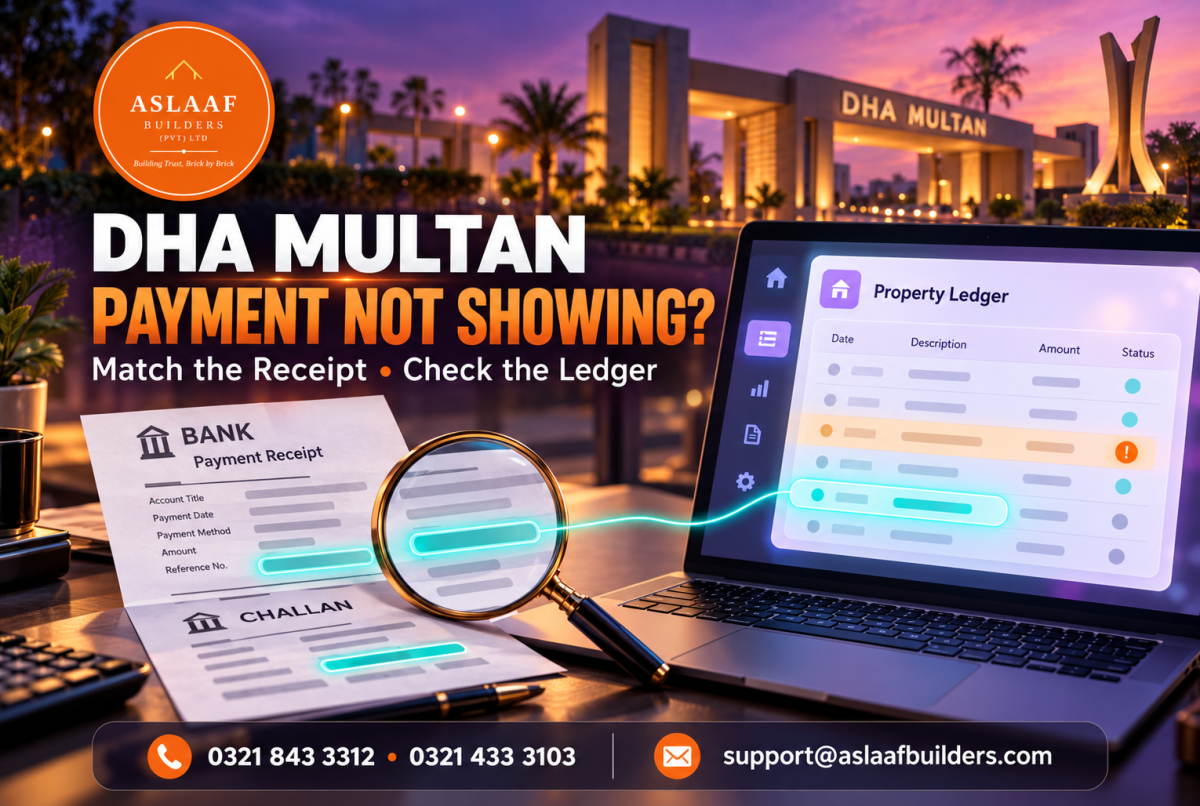
You have paid an installment, but the account position still looks unclear. The bank receipt may show a debit. The property ledger may show an unexpected balance. These records need to be reconciled. Start with the exact payment and plot reference. Then ask the relevant office to explain the difference. DHA Multan payment verification involves checking more than a screenshot. Match the payment evidence with the intended property account. Identify the charge you meant to pay. Review the entry and remaining amount in the ledger. Ask Finance about any unresolved difference. We recommend completing this check before discussing an “all dues clear” resale.
Open the Official Member Area
DHA Multan links its Member Area from the official website. The public portal provides a login and a Quick Challan option. Its challan dialog asks for CNIC and reference number. The portal also lists a contact for account creation support. Use the official route when accessing your records. A downloaded challan is a payment instruction, not evidence of payment. DHA’s FAQs describe opening “My Plots” and selecting “View Ledger” after login. Follow the account instructions applicable to your membership. Check the selected property before reviewing its entries. Save the statement date with your working records. This public research guide did not access a private ledger. Confirm any interface changes through official support.
Resolve Access Problems Separately
An account-access problem needs its own support request. Describe the error and when it occurred. State whether you can log in or identify the property. Keep a copy of the response. Do not treat a blank or inaccessible page as an account statement. Obtain the current account position through the accepted official route.
Match the Payment With the Correct Property

Use the challan and payment receipt together. Compare the property reference character by character. Check the date, amount and transaction identifier. Establish whether the bank reports completion, reversal or another status. Locate the corresponding ledger entry where available. Mark anything that does not match for follow-up.
Understand What the Remaining Balance Represents
Break down a balance before you interpret it. Ask which installments or charges remain outstanding. Separate the payment you are tracing from other account amounts. Check whether the amount shown is currently due or scheduled later. Ask how the payment was allocated. Do not infer the answer from the total alone.
Separate Land Payments From Development Charges
DHA’s FAQs distinguish cost-of-plot defaults from development-installment defaults. Keep these categories separate in your reconciliation. Ask which obligation the challan covered. Request clarification if the ledger description is unclear. Obtain the applicable schedule for the actual property. An amount paid toward one category should not be assumed to settle another. Consider a purely illustrative account with PKR 6 lakh outstanding. Suppose you pay PKR 2 lakh against it. A remaining PKR 4 lakh may be consistent with that payment. It does not by itself establish that the payment is missing. Other entries could also affect the balance. Ask for the breakdown before concluding.
Prepare a Clear Query for DHA Multan Finance
Send a concise explanation of the discrepancy. Identify the property reference and payment date. State the amount and transaction identifier. Attach readable evidence through the verified official channel. Explain what the current statement shows. Ask for confirmation of receipt, allocation and the remaining dues position. DHA Multan’s current FAQs list its Finance contacts. The landline is 061-4554790, extension 373. The listed WhatsApp-only number is 0346-8811342. The email is finance@dhamultan.org. Recheck the official page before sending records. Use general support for access problems and Finance for account clarification. If the bank reports an unresolved transaction, contact the bank too. Ask for its investigation reference and status. Share that status with Finance where relevant. Keep the two inquiries linked in your records. Do not assume either organization’s screenshot answers every question. Confirm the final outcome before closing the issue.
Handle Surcharge and Deadlines Without Guesswork
A disputed entry does not automatically remove a payment obligation. Ask Finance how the issue affects the account. Confirm upcoming due dates while the inquiry remains open. Request the basis of any surcharge shown. Check whether a concession applies to your property and payment. Keep the written response rather than relying on an old advertisement. DHA’s FAQs discuss consequences for installment default. That makes prompt clarification worthwhile. A missing online entry alone does not prove default or cancellation. Ask for the official status of your account. If a notice has been issued, identify the response required. Avoid promising a buyer a cleared position while the matter is unresolved.
Do Not Pay Twice Just to Change The Screen
A second payment can create another amount to reconcile. First ask the bank and Finance to trace the original transaction. Explain any approaching deadline. Request clear instructions on the amount still payable. Record the reference and purpose of any further payment. Do not assume the original amount has failed solely because it is not visible.